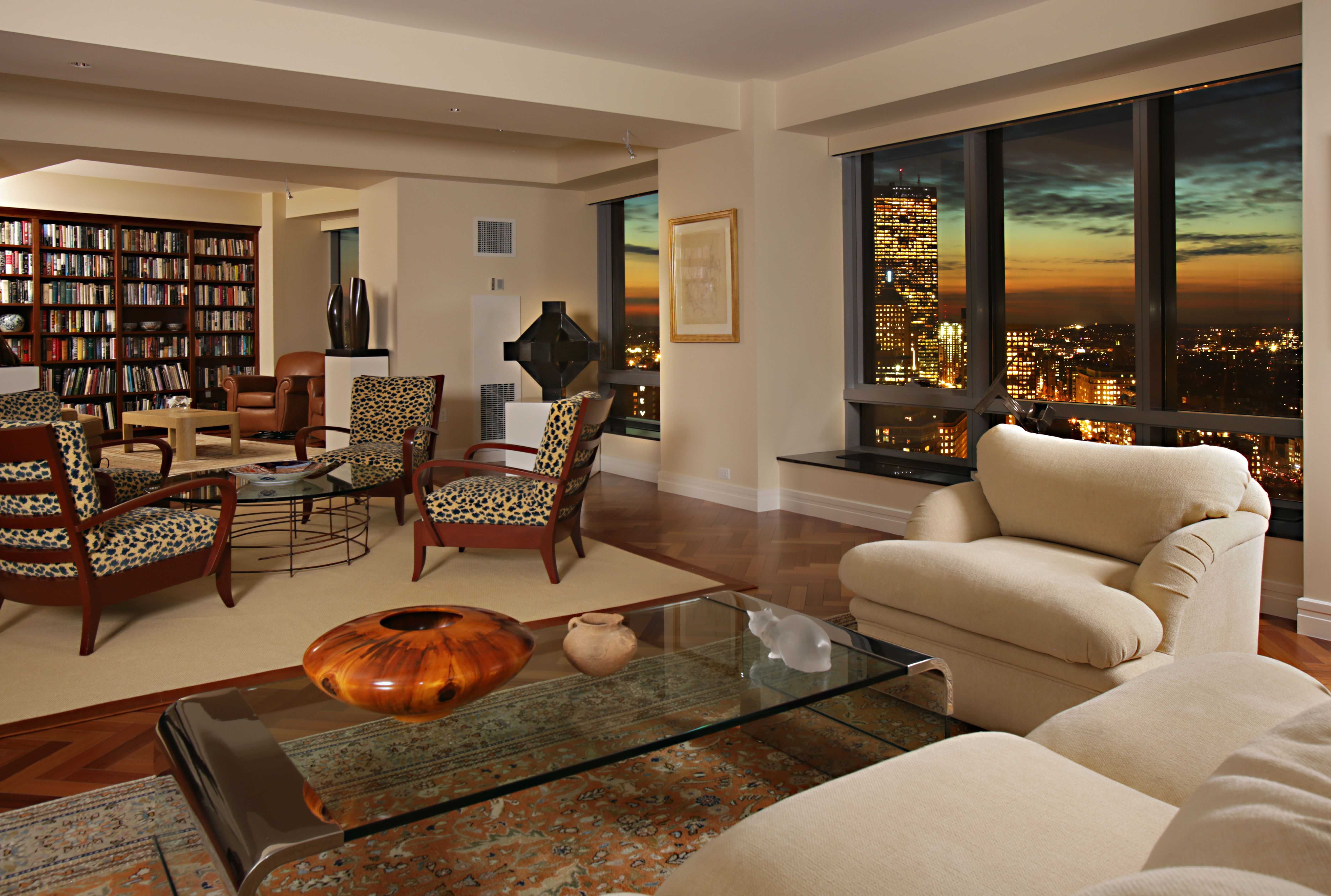
Living Room Design Ideas & Inspiration
Kumpulan Informasi, Tips dan Trik Terlengkap dan Terpercaya — explore curated ideas for sofas, storage, decor, and every style in between.
Explore Ideas →Get Design Inspiration
Tell us what you're looking for and we'll point you to the best articles.
Best Storage Solutions for TV Remote Controls and Small Electronics
A tidy living room depends on small details. TV remotes, streaming devices, game controllers, charging cables and spare batteries can quickly spread across a coffee table, sofa and media unit. When these items lack a designated home, even an otherwise beautifully styled room can feel visually unsettled.
The most effective storage solution combines easy access with concealment. A remote should be close enough to reach from the sofa, while HDMI cables, headphones and chargers can sit in a less prominent compartment. The right approach depends on the size of your household, your entertainment habits and the furniture already in the room.
Australian homes often favour open-plan living, where the lounge, dining area and kitchen share one visual field. This makes clutter more noticeable, particularly in compact Sydney or Melbourne apartments. Storage needs to work hard without making the room look like an office or electronics cupboard.
Before buying a container, consider what must be stored, how often it is used and whether it needs charging. A small tray may suit a minimalist room, while a family media area may need drawers, cable management and labelled compartments. The comparison below provides a practical starting point.
| Storage option | Best for | Main advantage | Watch out for |
|---|---|---|---|
| Decorative remote tray | Everyday remotes | Fast access and attractive styling | Does not hide clutter completely |
| Ottoman with storage | Families and small rooms | Adds seating while concealing devices | Devices may become buried |
| Media console drawers | Multiple electronics | Organised, hidden storage | Requires suitable furniture |
| Lidded baskets | Cables and accessories | Affordable and flexible | Heat and ventilation need attention |
| Wall-mounted organiser | Compact spaces | Keeps surfaces clear | Must be securely installed |
| Charging station drawer | Phones, controllers and tablets | Creates one charging zone | Needs safe power access |
Start With A Simple Inventory
Gather every remote, controller, cable, adapter and small device from the living room. Group items according to use: television and streaming, gaming, audio equipment, charging accessories and rarely used spares. This immediately shows whether you need a compact holder or a larger electronics storage system.
Remove dead batteries, duplicate cables and obsolete remotes where possible. Old electronics should be handled responsibly rather than placed in general rubbish. Several Australian councils provide e-waste collection points, and Victoria has banned e-waste from landfill, making local recycling services a practical part of a decluttering routine.
Measure the media unit, coffee table and nearby seating before choosing storage. Allow room for hands to open drawers and enough ventilation around consoles, routers and power equipment. A container that fits perfectly but blocks an air vent will create inconvenience and may shorten the life of your devices.
Make The Coffee Table Work Harder
A shallow tray is one of the easiest ways to control remote clutter. Choose timber, leather, woven fibre or powder-coated metal to coordinate with the living room palette. One tray can hold the everyday television remote, soundbar control and streaming device without scattering them across the tabletop.
For a polished result, match the tray to existing finishes rather than buying a novelty organiser. In a coastal Queensland home, pale timber or woven rattan can complement relaxed decor. In a darker Melbourne apartment, smoked timber or matte black metal may blend more naturally with the furniture.
A lidded box works well when the coffee table doubles as a dining or work surface. It conceals the visual noise when guests arrive, while its compact shape can be moved to a side table when needed. Avoid deep boxes for frequently used remotes, since difficult access encourages items to be left outside.
Use Furniture With Hidden Capacity
An ottoman with an internal compartment is especially useful in Australian living rooms where floor area is limited. It can function as a footrest, extra seat and storage chest for controllers, headphones and spare batteries. Select a model with a hinged lid that opens smoothly and does not scrape the floor.
Media consoles with drawers offer a more structured solution. Reserve the top drawer for everyday remotes, the second for cables and chargers, and a deeper compartment for gaming accessories. Cable holes at the back keep cords connected while allowing the front of the unit to remain clear.
For rooms with a more refined aesthetic, consider furniture that balances technology with decorative materials. A carefully chosen piece from luxury living room furniture can provide concealed compartments while supporting the wider style of the room. Look for soft-close drawers, durable finishes and proportions suited to the television rather than choosing a console on appearance alone.
Create A Safe Charging Zone
Small electronics are easier to manage when they charge in one consistent location. A drawer with a rear cable opening can hold phone chargers, rechargeable batteries and game controllers while keeping the power board out of sight. Use cable clips or fabric ties to separate each lead and label unfamiliar adapters.
Electrical safety deserves particular attention. Use compliant power boards and chargers marked for the Australian market, with plugs suitable for Australian sockets and the relevant regulatory markings. Do not overload a hidden power board or cover ventilation openings with fabric, books or tightly packed accessories.
A charging station should remain accessible enough to unplug devices and inspect cords. Avoid running extension leads under rugs or pinching cables behind heavy furniture. If a new outlet is required, have the work completed by a licensed electrician rather than adapting the room with improvised wiring.
Match Storage To Your Decorating Style
Storage does not need to look like office equipment. In a contemporary home, a slim wall-mounted organiser beside the media unit can hold remotes without taking up floor space. In a traditional room, a timber box or upholstered ottoman can make the same items feel like part of the decor.
Baskets are useful for larger accessories, but choose an open or breathable design for devices that produce warmth. Game consoles, internet routers and set-top boxes need airflow, so they should never be sealed inside a tightly packed lidded basket while operating. Keep ventilation slots clear and follow the manufacturer’s placement instructions.
Consider colour as well as shape. A neutral storage box in sand, charcoal or warm white can disappear into the room, while a contrasting accent can make the storage zone easier to recognise. Australian interiors often benefit from natural textures that soften hard technology, particularly in bright open-plan spaces.
Build Habits That Keep Clutter Away
Assign every item a return point. The most frequently used remotes can live in a tray, while spare controllers and cables belong in a labelled drawer. Labels are valuable for households with children or several similar devices because they reduce searching and prevent every accessory from ending up in one untidy container.
Use a short reset routine at the end of the evening. Return remotes to their holder, place controllers on charge and coil loose cables without bending them sharply. This takes less than a minute and preserves the calm appearance of the living room between uses.
When buying replacement technology, keep Australian Consumer Law in mind and retain receipts or warranty information for larger electronics. Choose storage that can adapt as devices change, rather than purchasing a highly specialised insert that may become useless after one upgrade.
Give each remote, cable and charger a designated place, then choose one storage piece that suits the room’s scale and character. A tray, drawer, ottoman or charging station can make everyday living feel significantly calmer when it is positioned within easy reach and used consistently. Explore the living room, measure carefully and create a dedicated home for every small electronic item.
What We Cover
Living Room Topics & Ideas
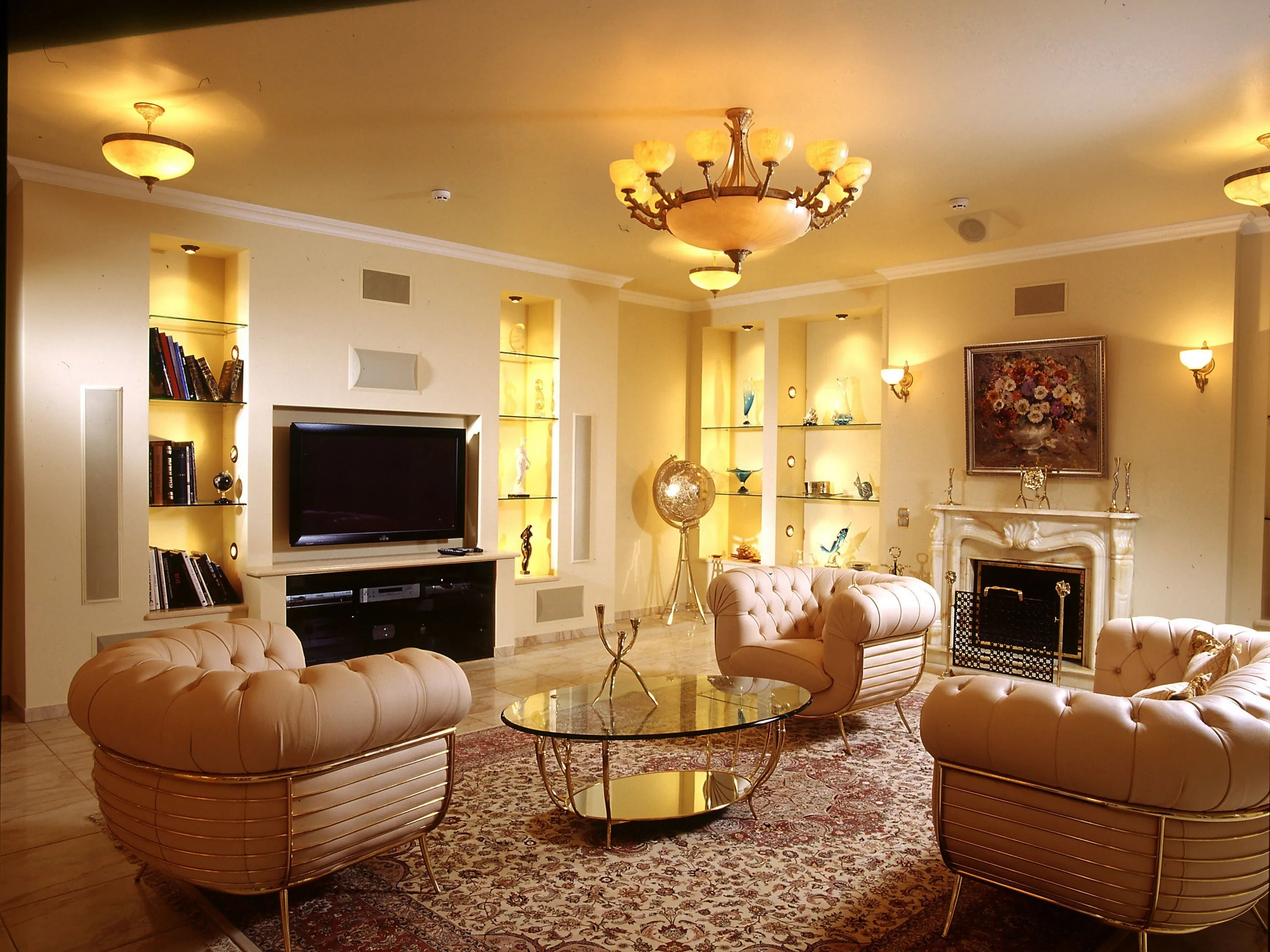
Luxury Living Room Furniture
High-end pieces spanning modern, neo-classical, and Italian Gothic styles — craftsmanship, leathers, and refined artistry.
Read More →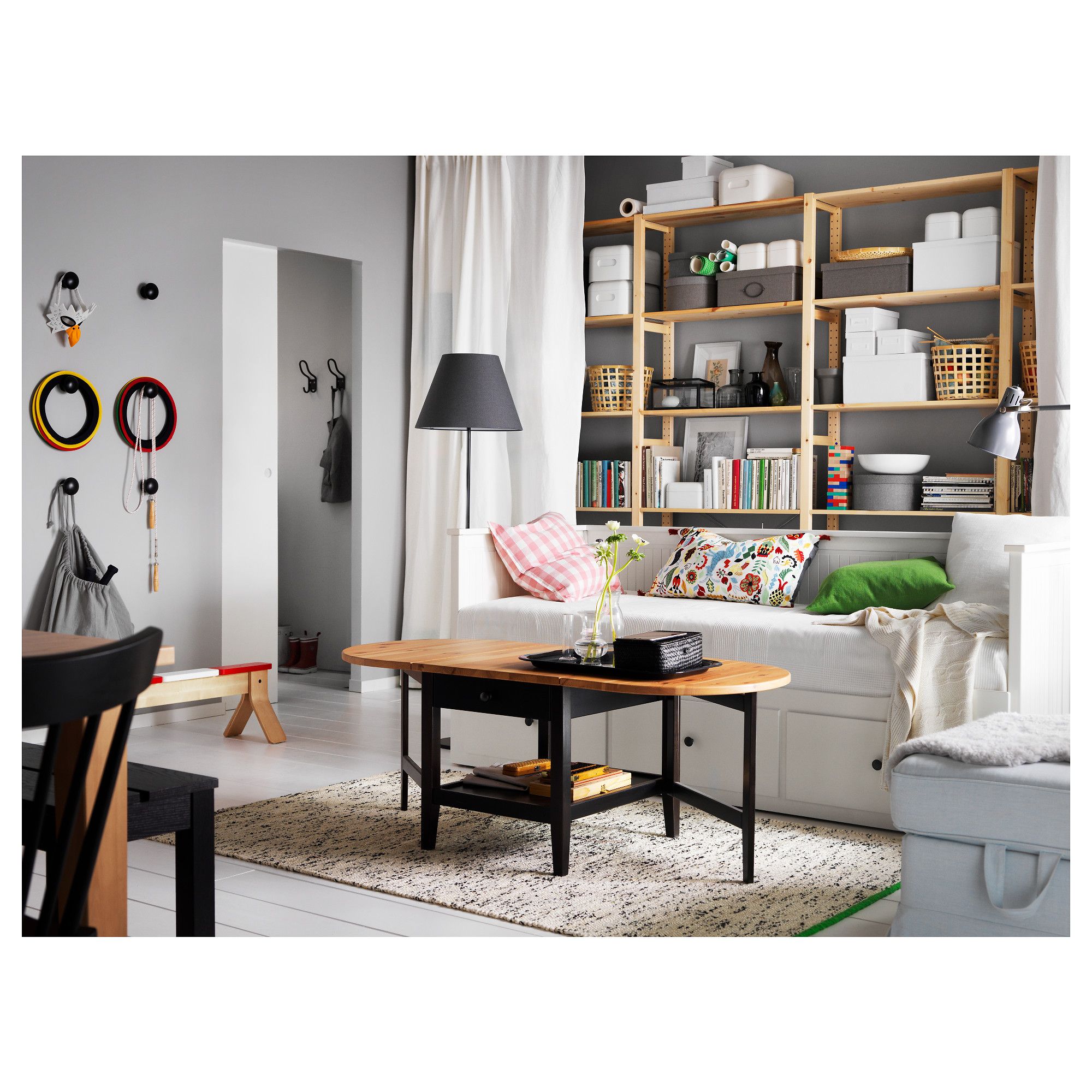
White Living Room Storage Cabinets
Sideboards, curio cabinets, and high-gloss storage units that blend practical organization with decorative appeal.
Read More →
Living Room Decor Essentials
Rugs, pillows, art, lamps, and accent pieces that add layers of color, texture, and personality to any living space.
Read More →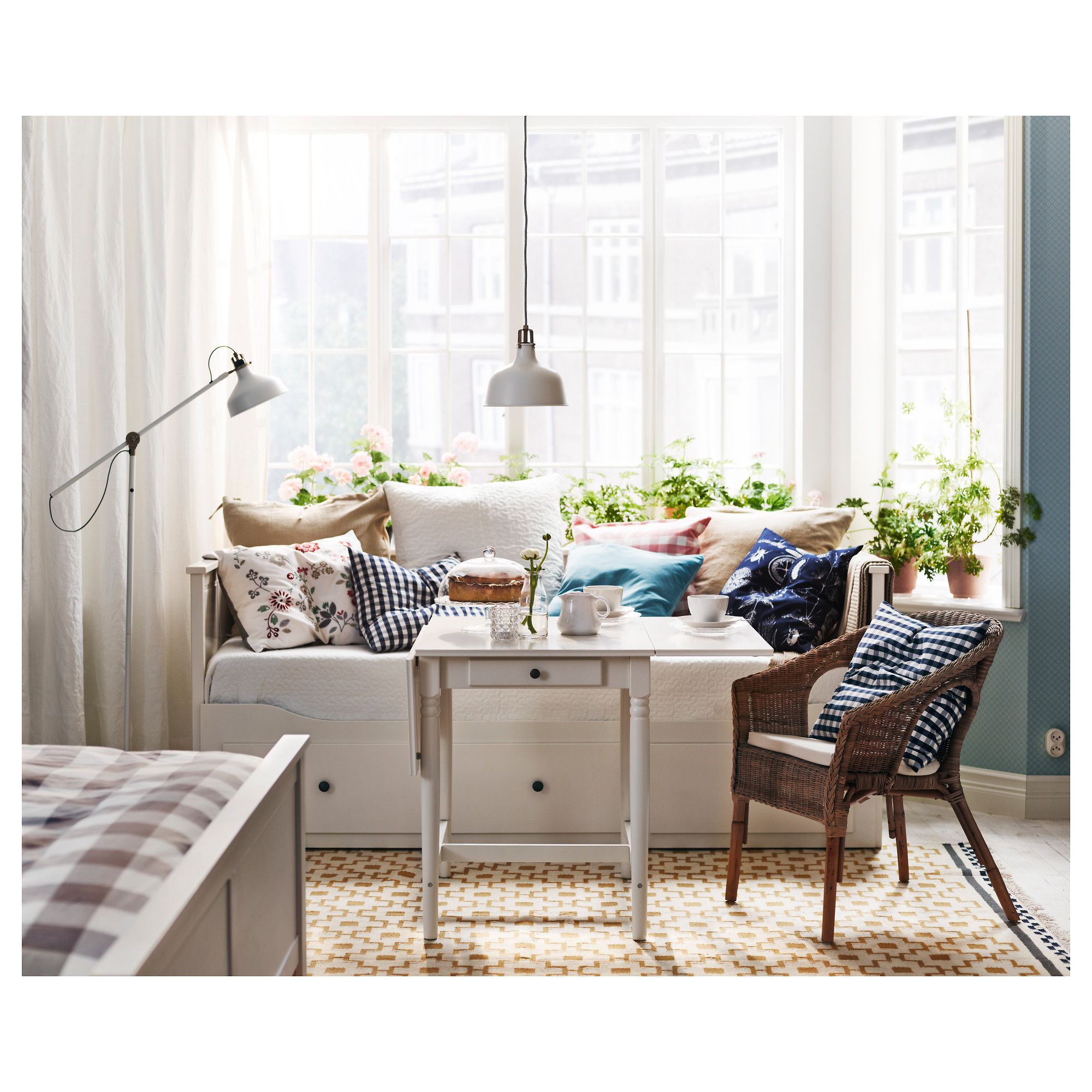
Natural Living Room Decor
Earthy elements, house plants, rustic touches, and organic materials that bring warmth and nature indoors.
Read More →
Living Room Ideas: Velvet Sofa
From classic red to trending green and blue, explore how a velvet sofa can transform your living room's character.
Read More →